
 Live
Live
Made for your world
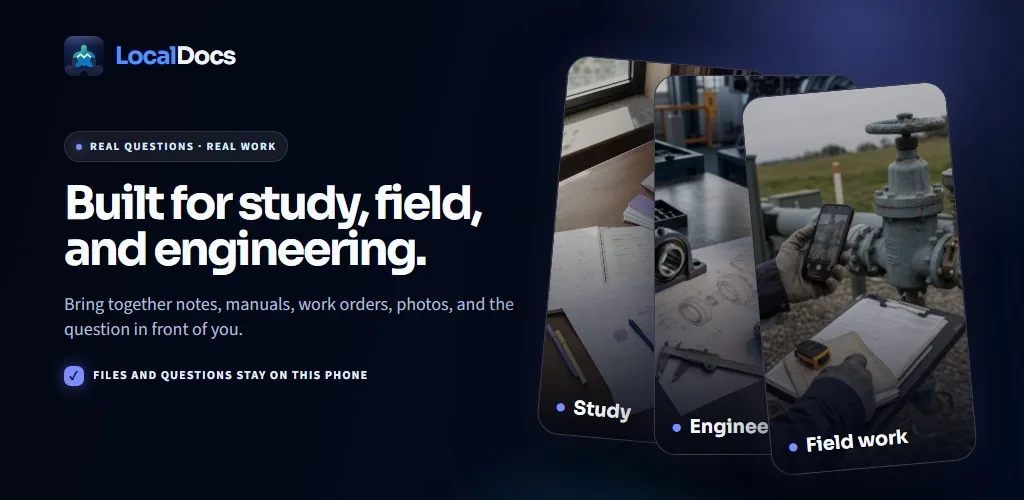
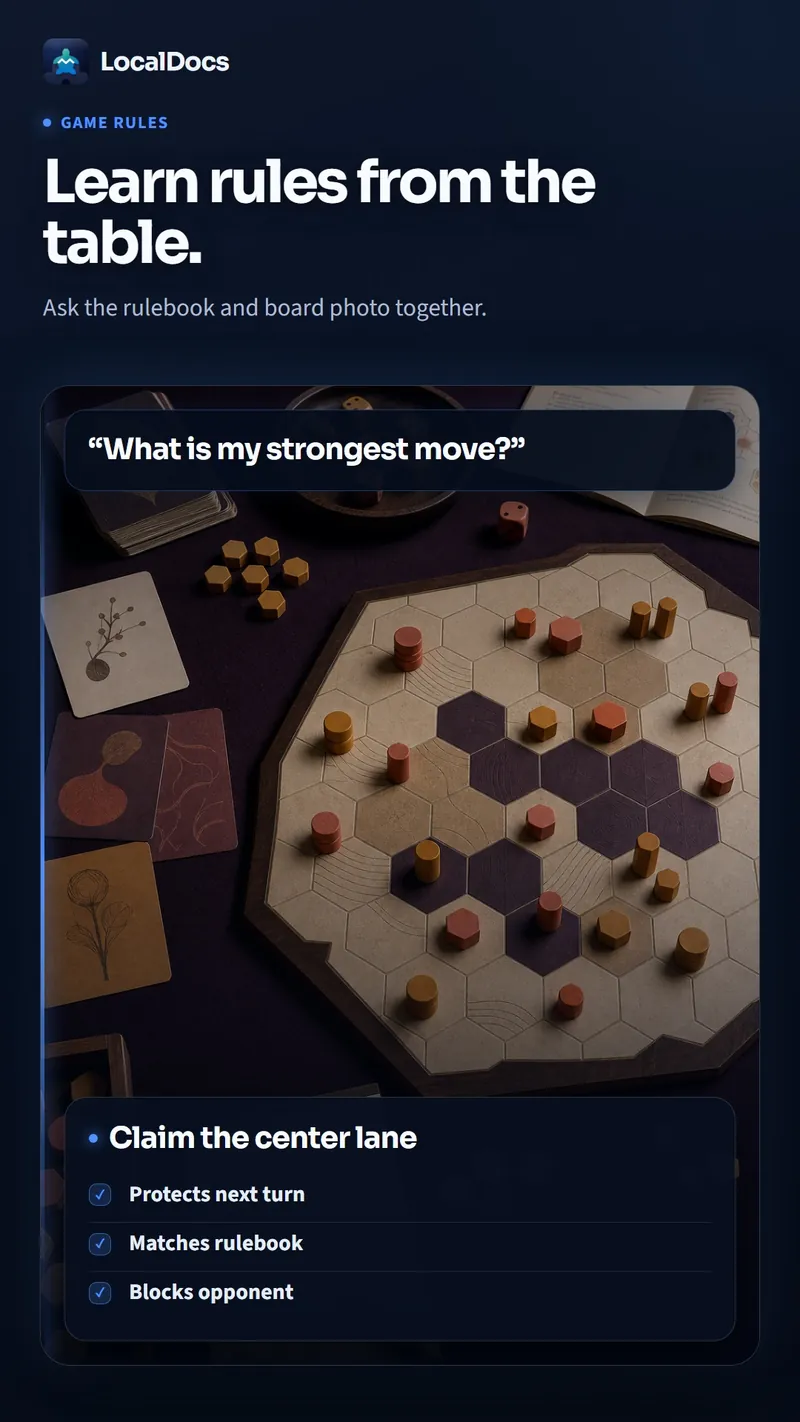
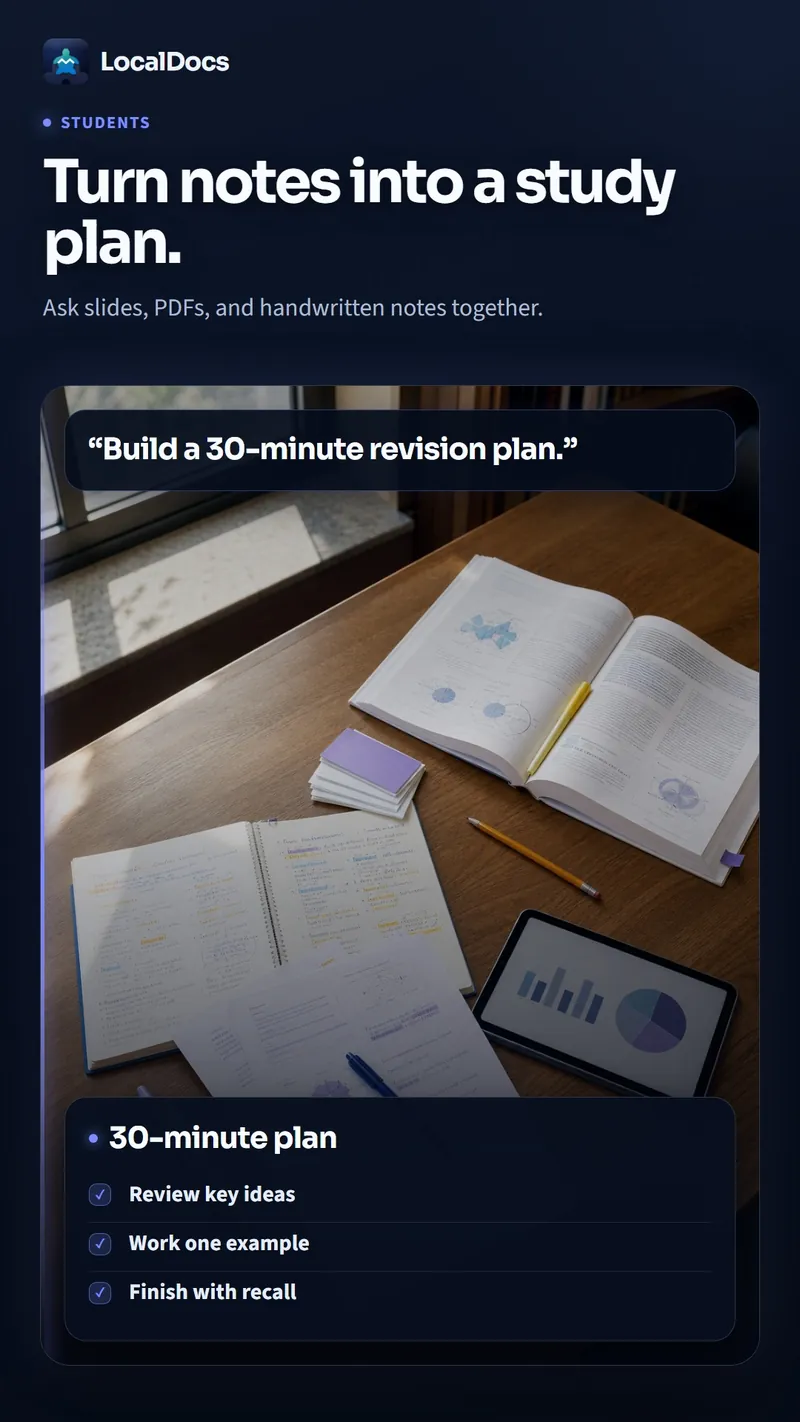
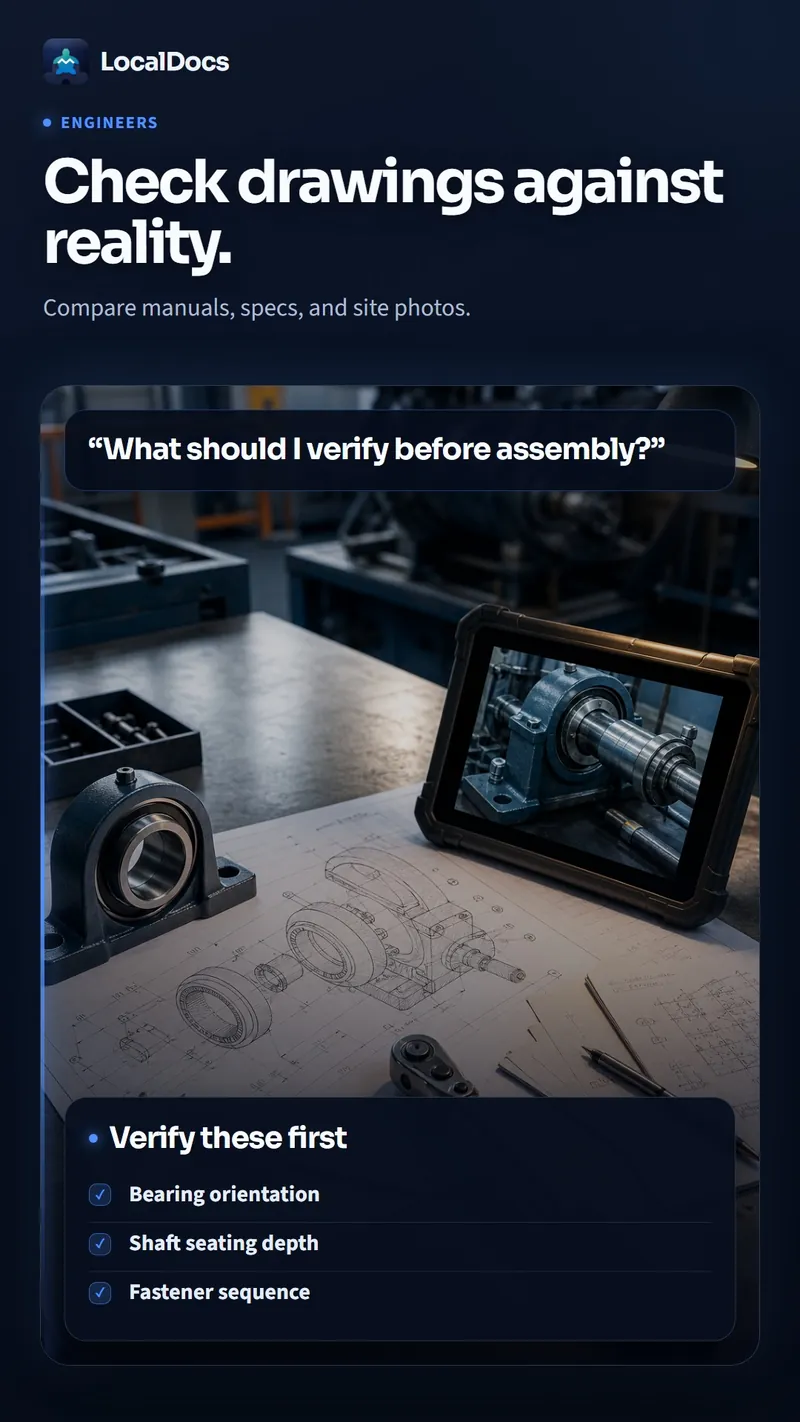
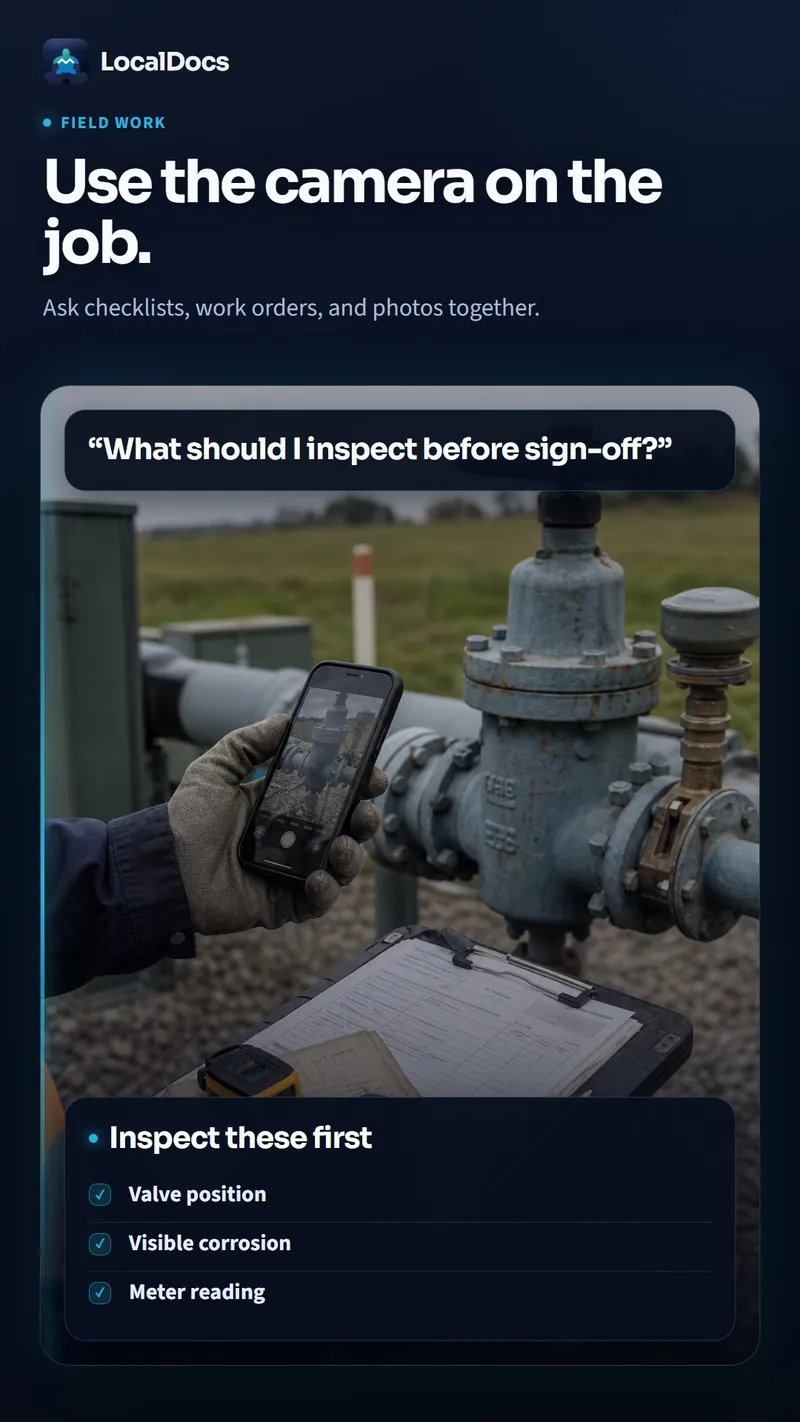
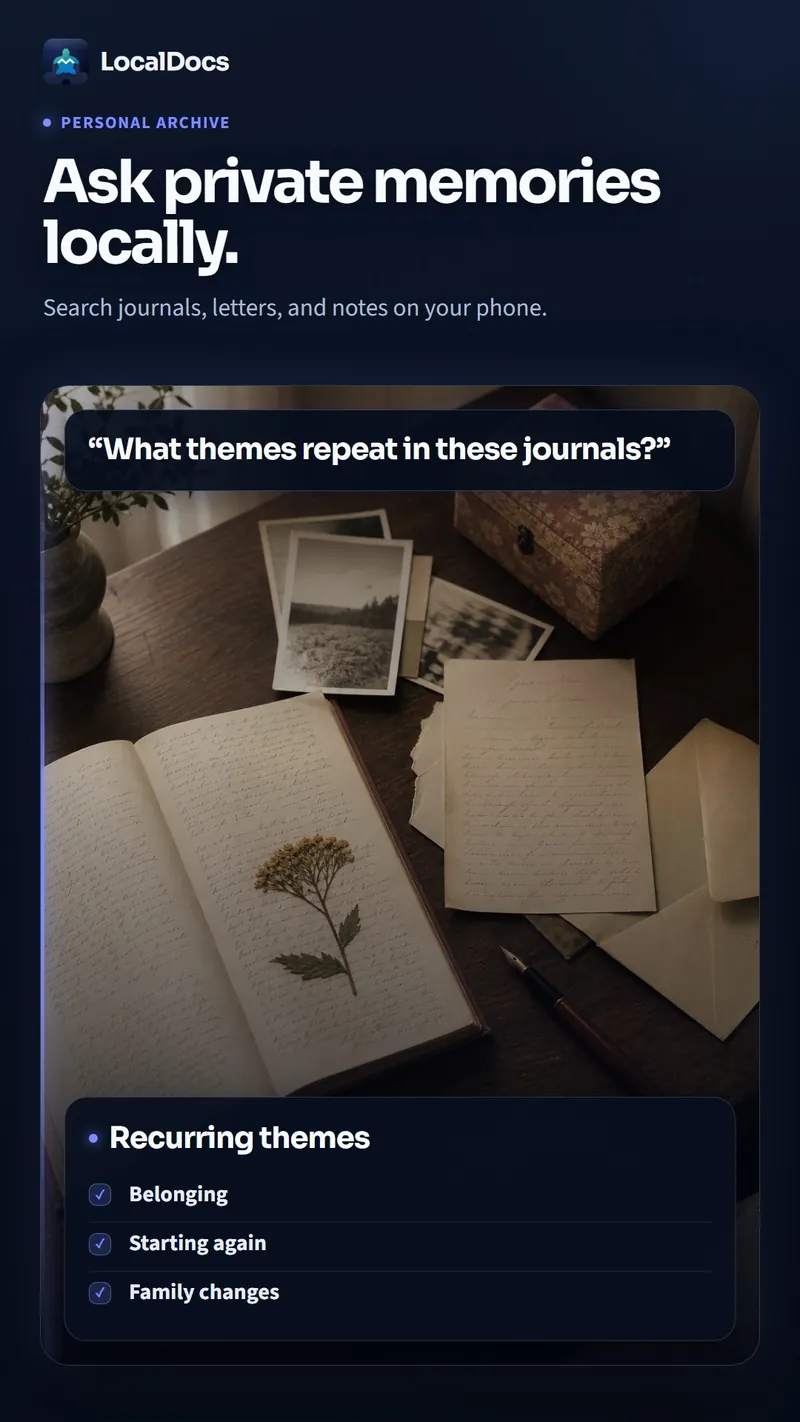
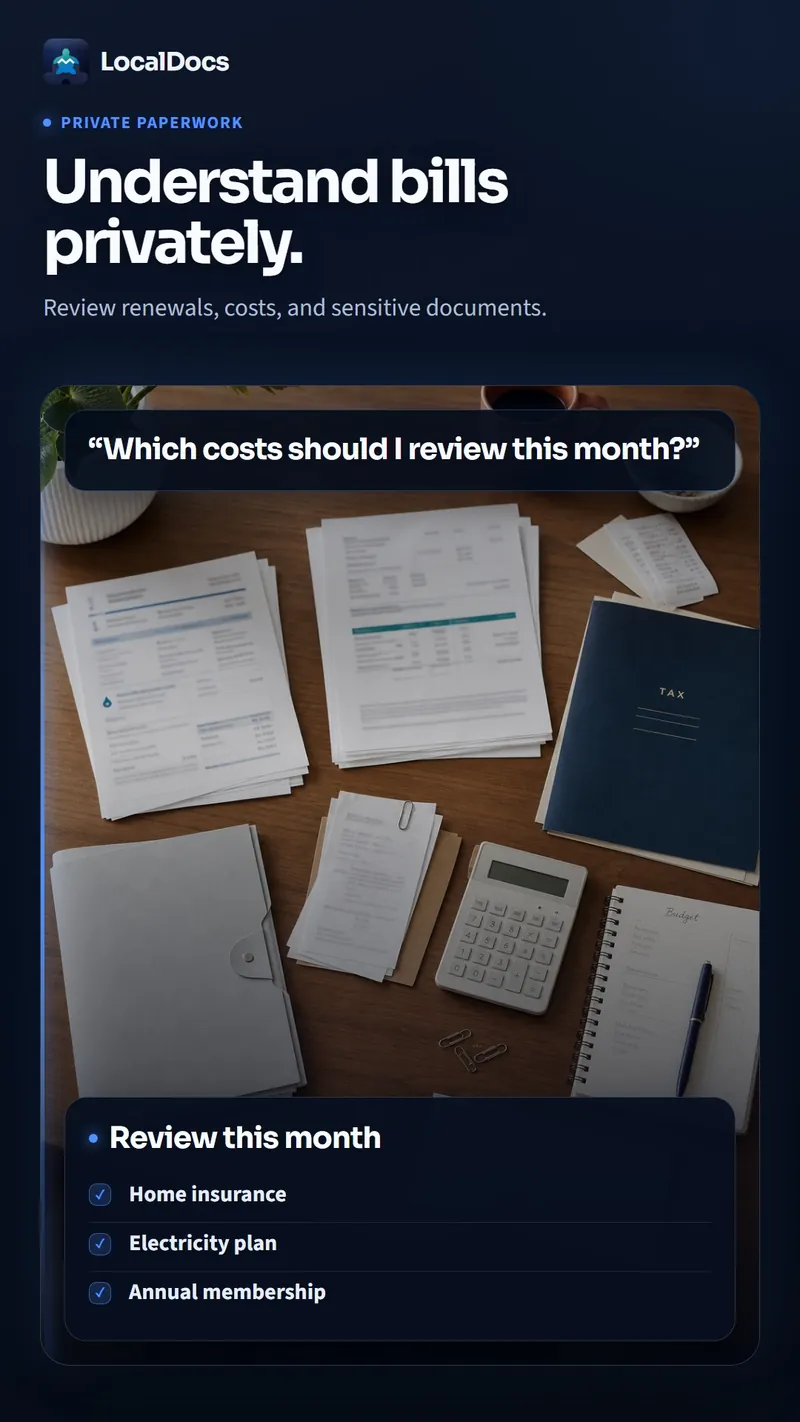
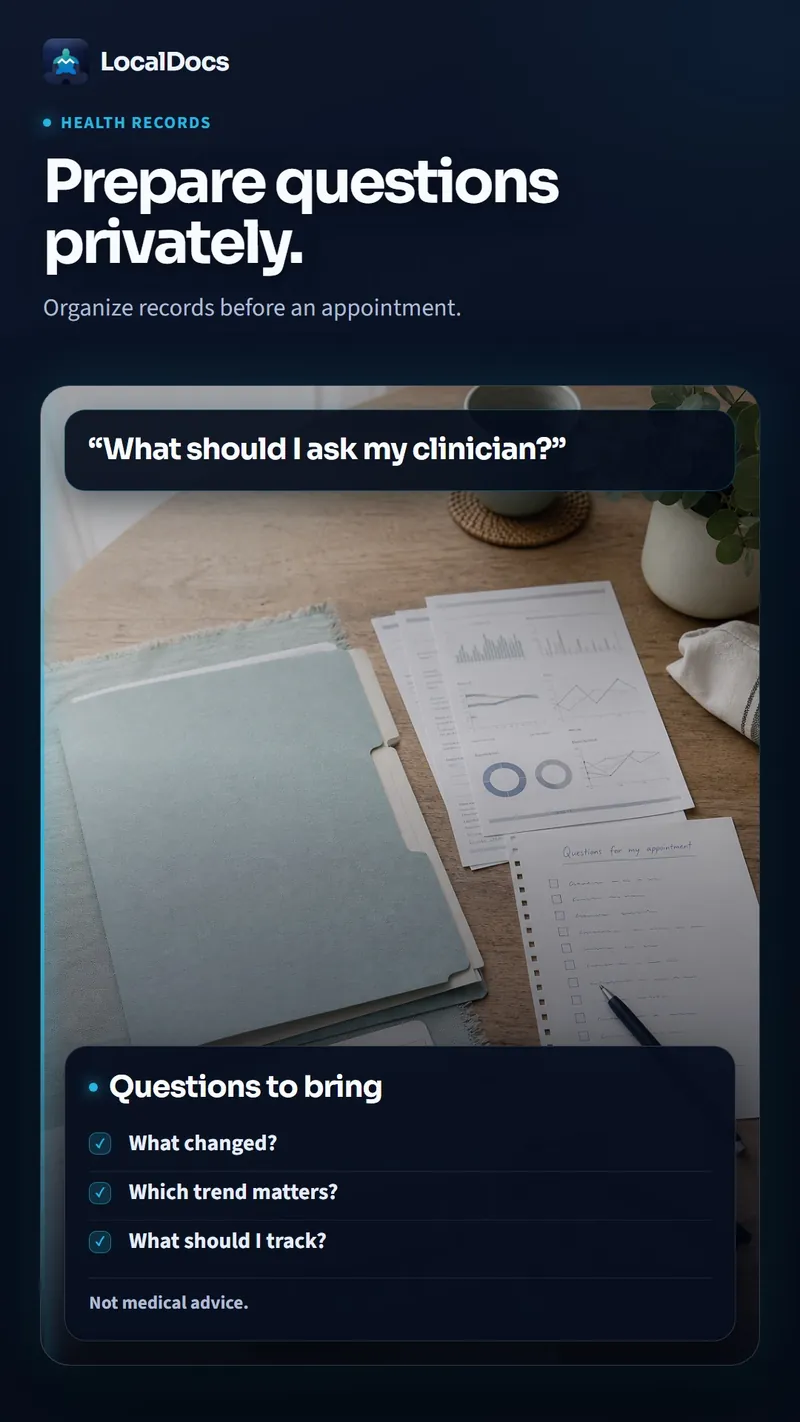
One private assistant for every kind of document — studies, work, field notes, journals and more.
About
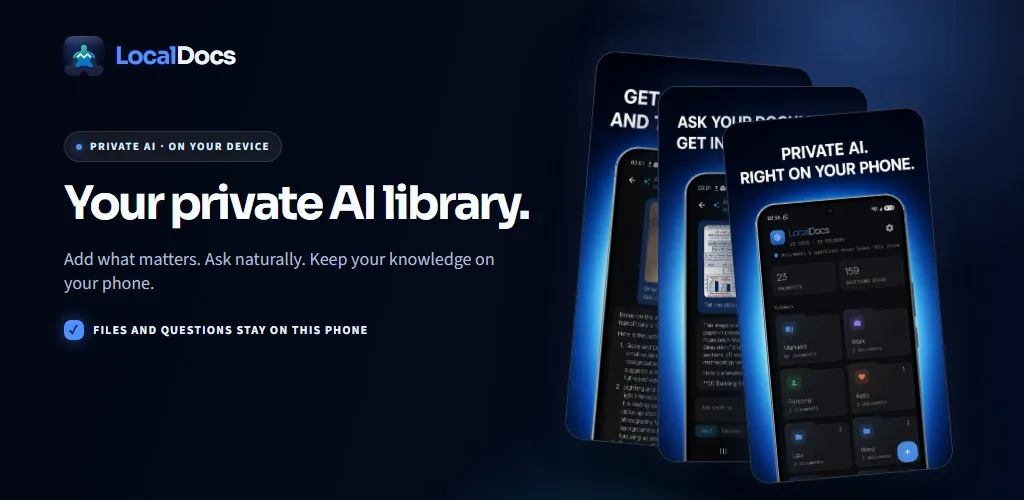
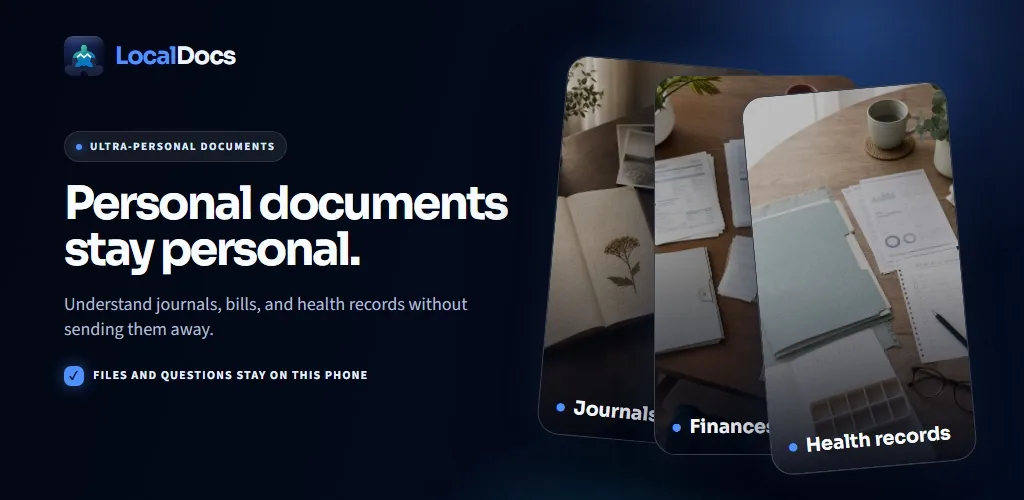
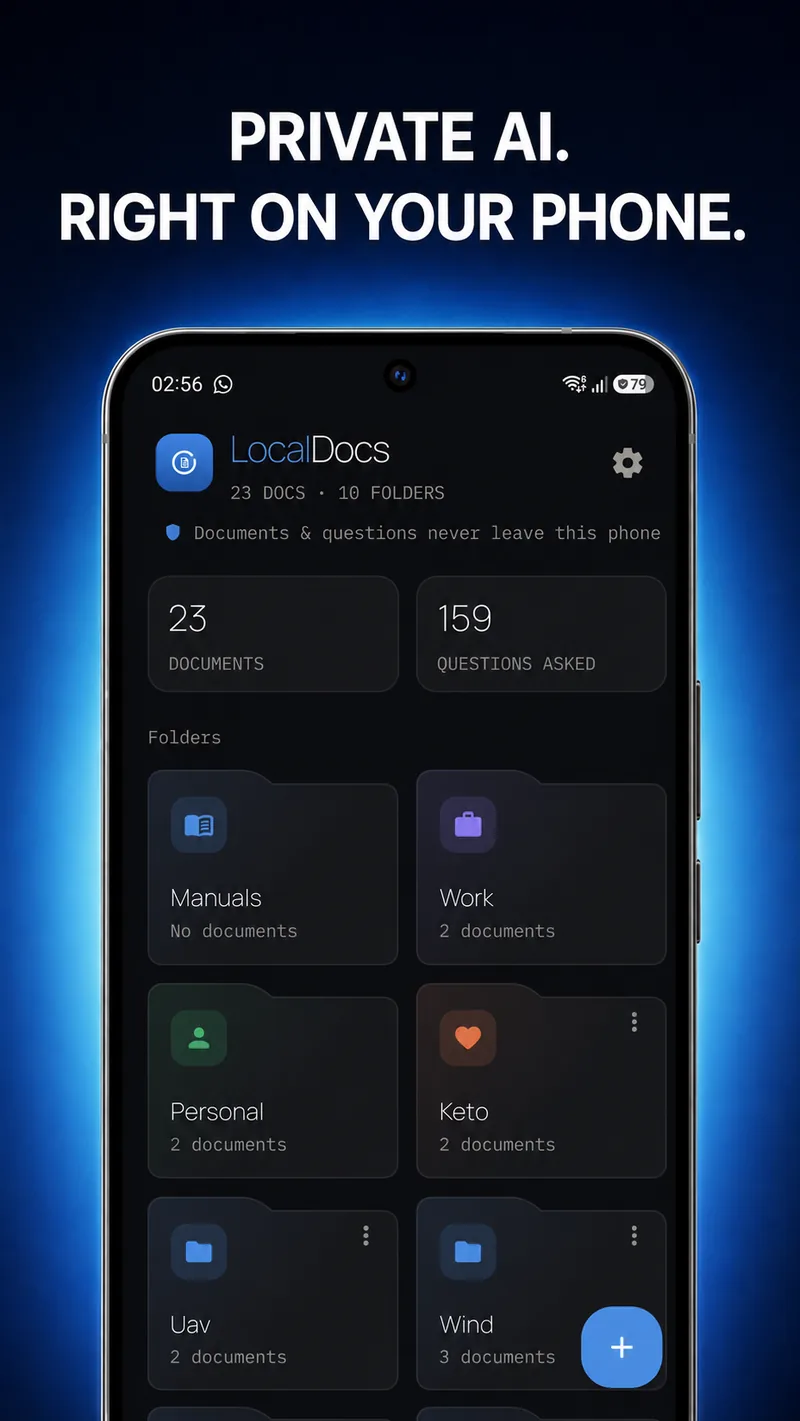
LocalDocs turns your own documents into a question-and-answer assistant — and it runs entirely on your phone. No account, no cloud, no internet needed after setup. Your files never leave your device.
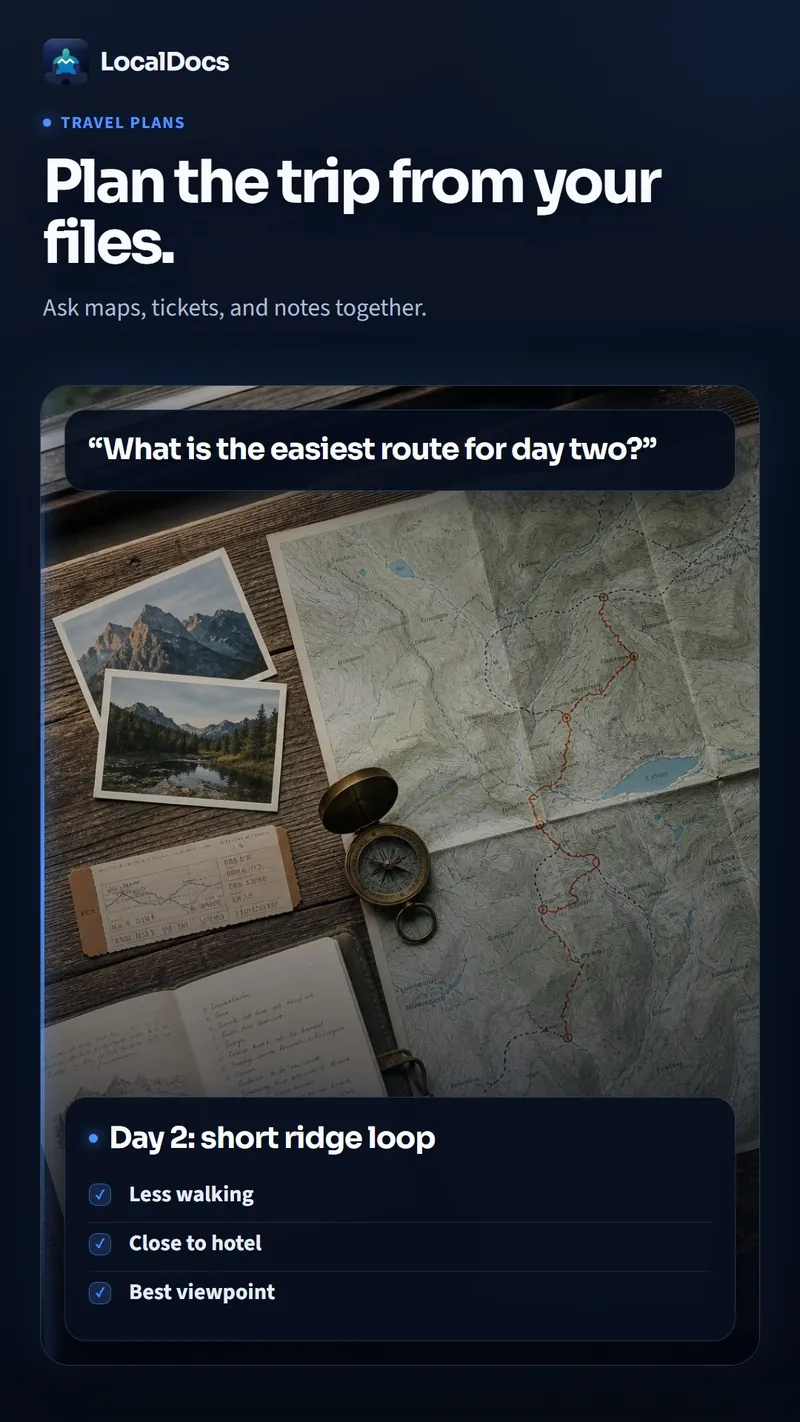
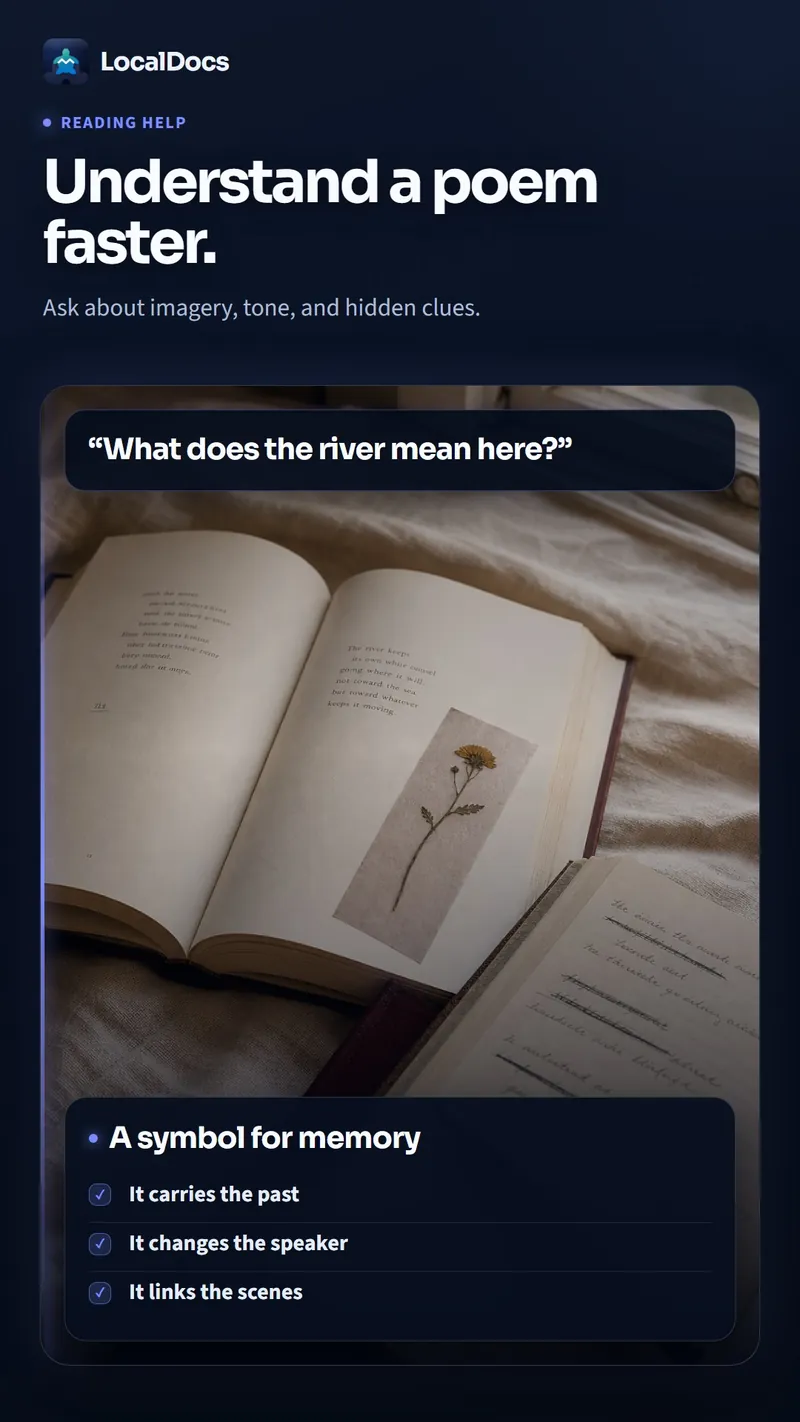
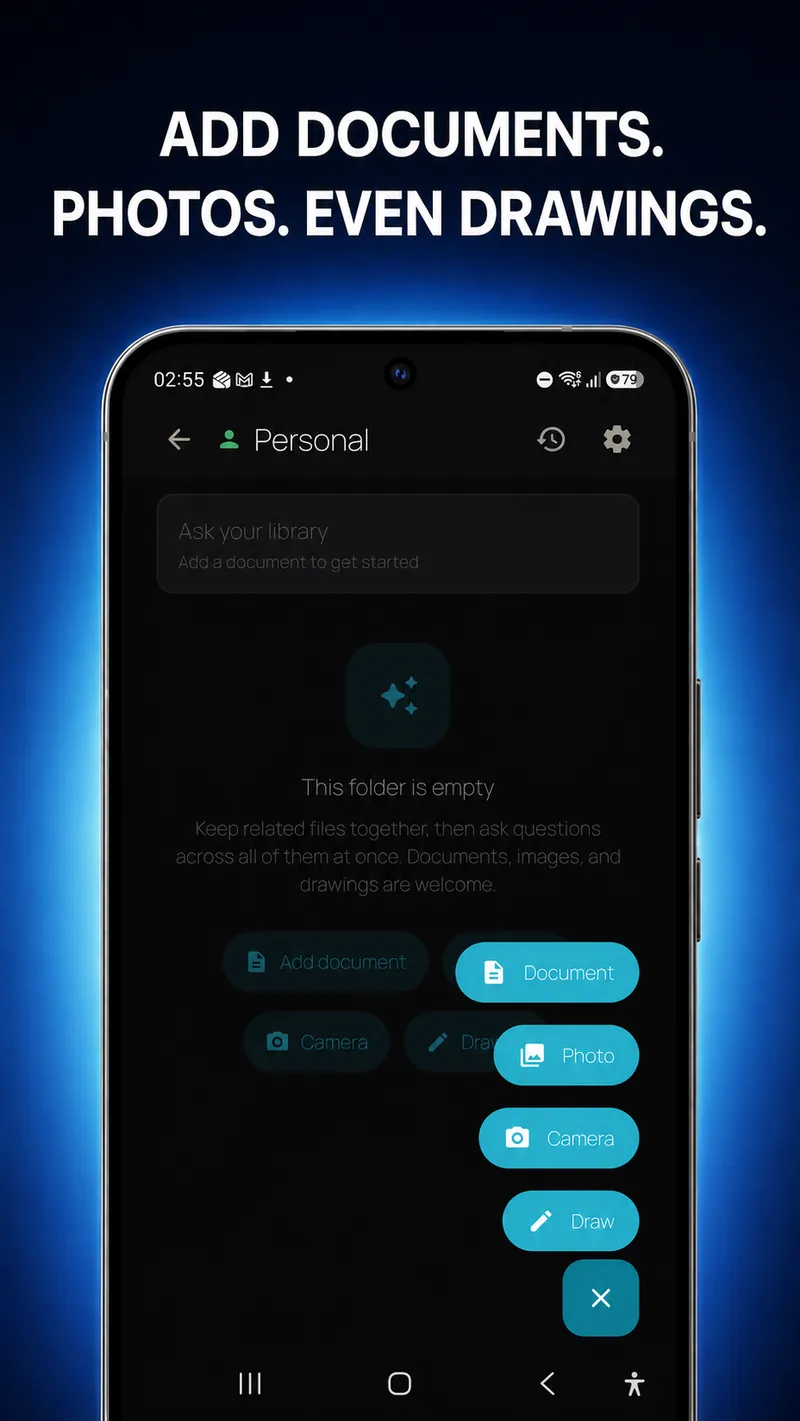
Put your PDFs, Word files, notes, images, and drawings into a folder, then just ask. LocalDocs reads across everything in that folder and answers in plain language, showing you exactly which document each answer came from.
Great for
Features
1
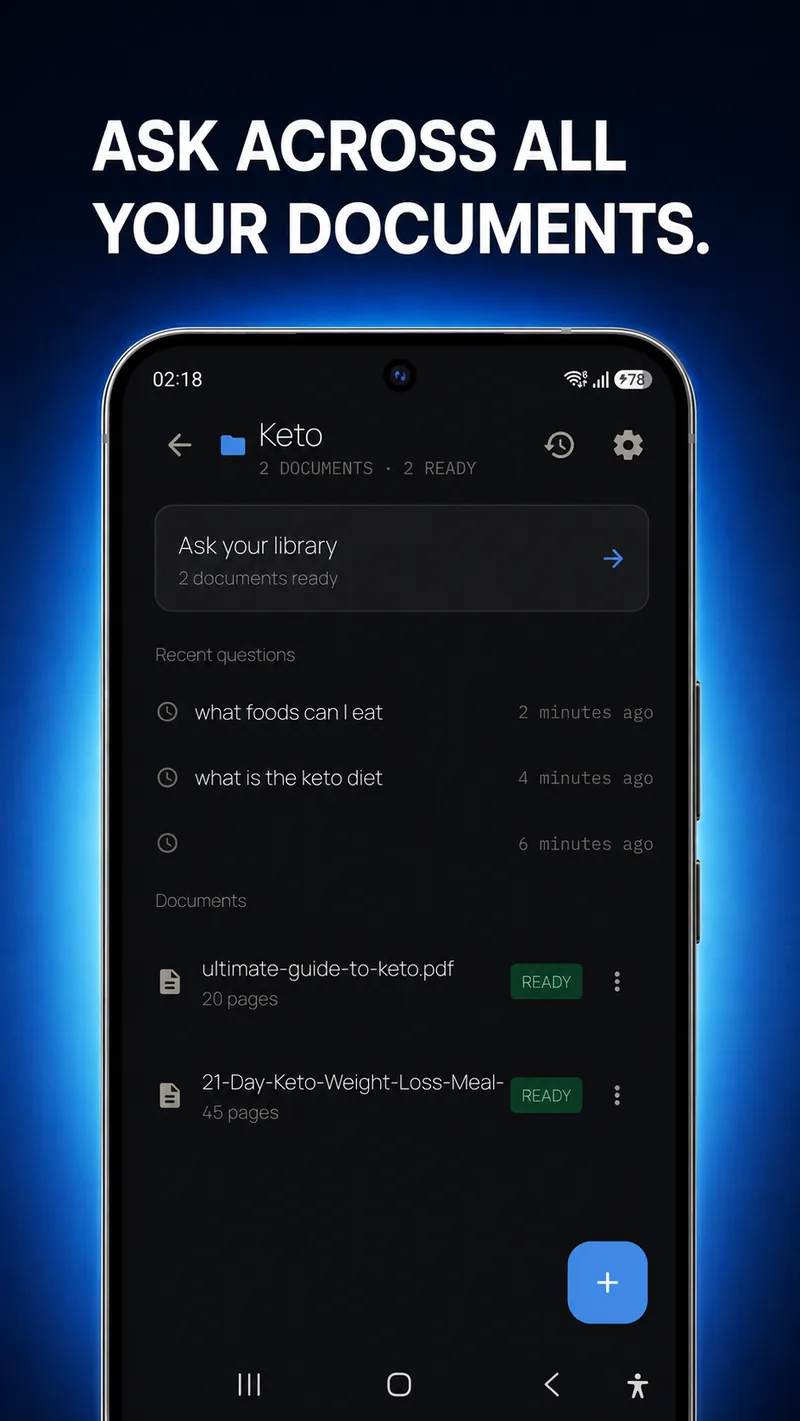
Ask a whole folder at once
Pose a question and LocalDocs reads across every document in the folder to answer it.
2
Answers with tappable sources
Every reply cites the document it came from — tap the source to open and verify it.
3
Works with your file types
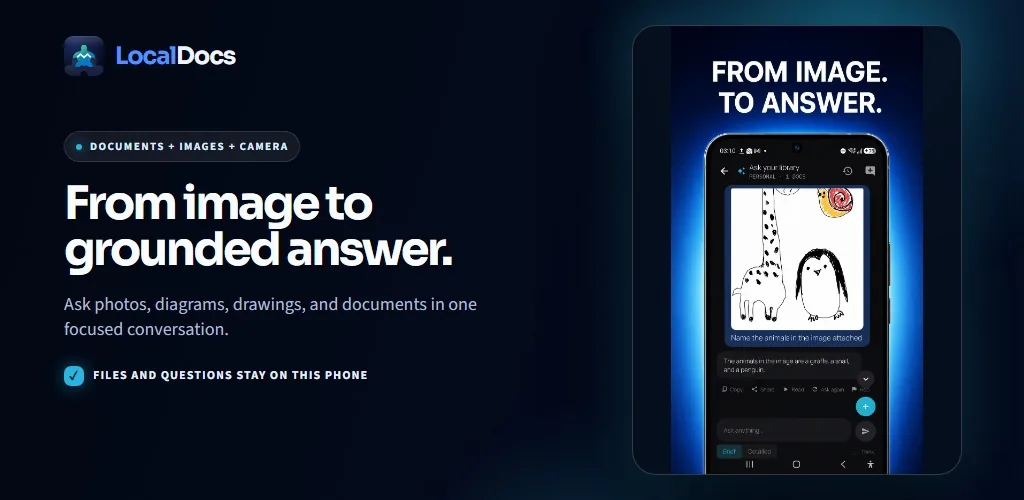
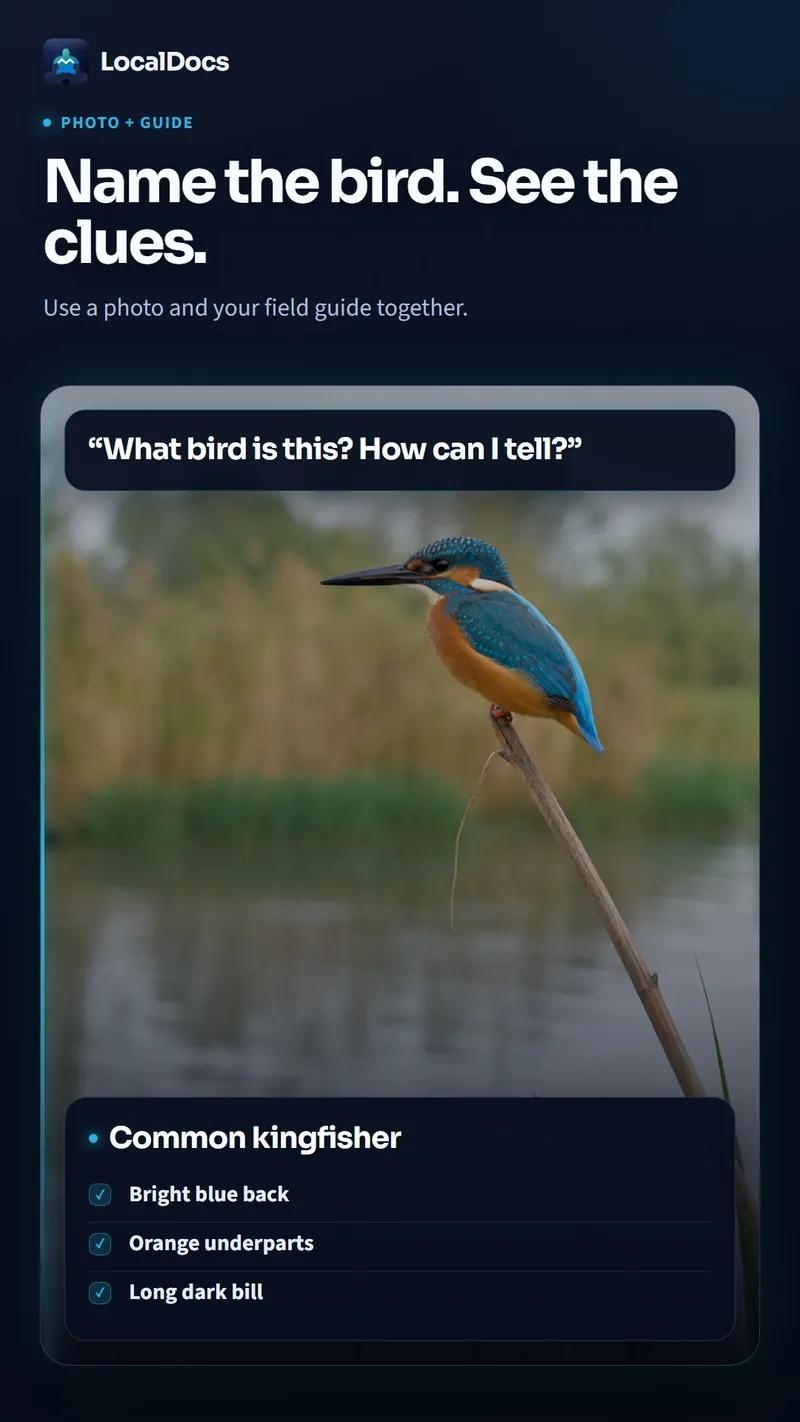
PDF, Word (.docx), text, Markdown, HTML — plus images and hand-drawn sketches.
4
100% on-device & private
Processed by an on-device AI model: no accounts, no analytics, no tracking. Your documents and chats stay encrypted on your phone and are never uploaded.
5
Copy, share, or listen
Copy an answer, share it, or have it read aloud — and organize your files into folders like mini libraries.
A look at the app
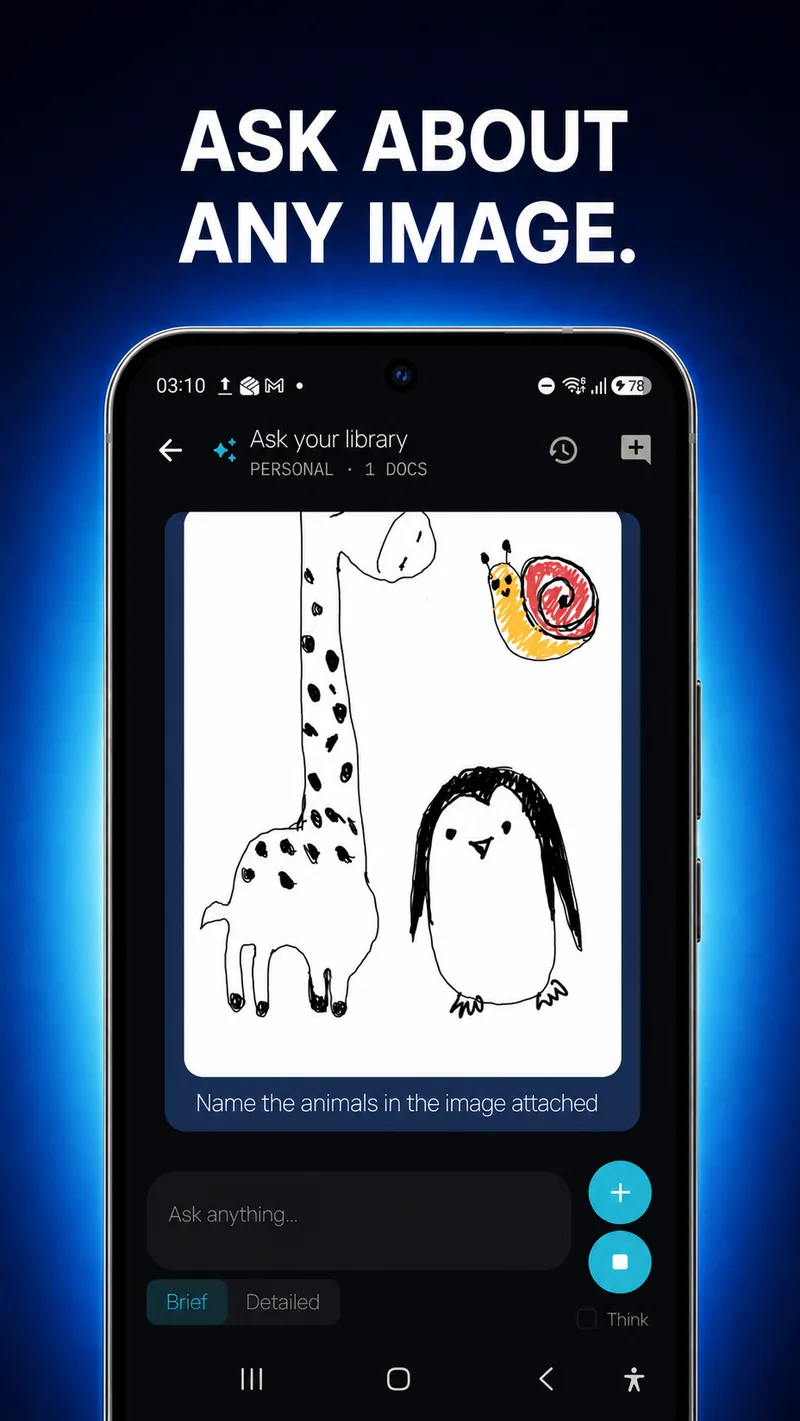
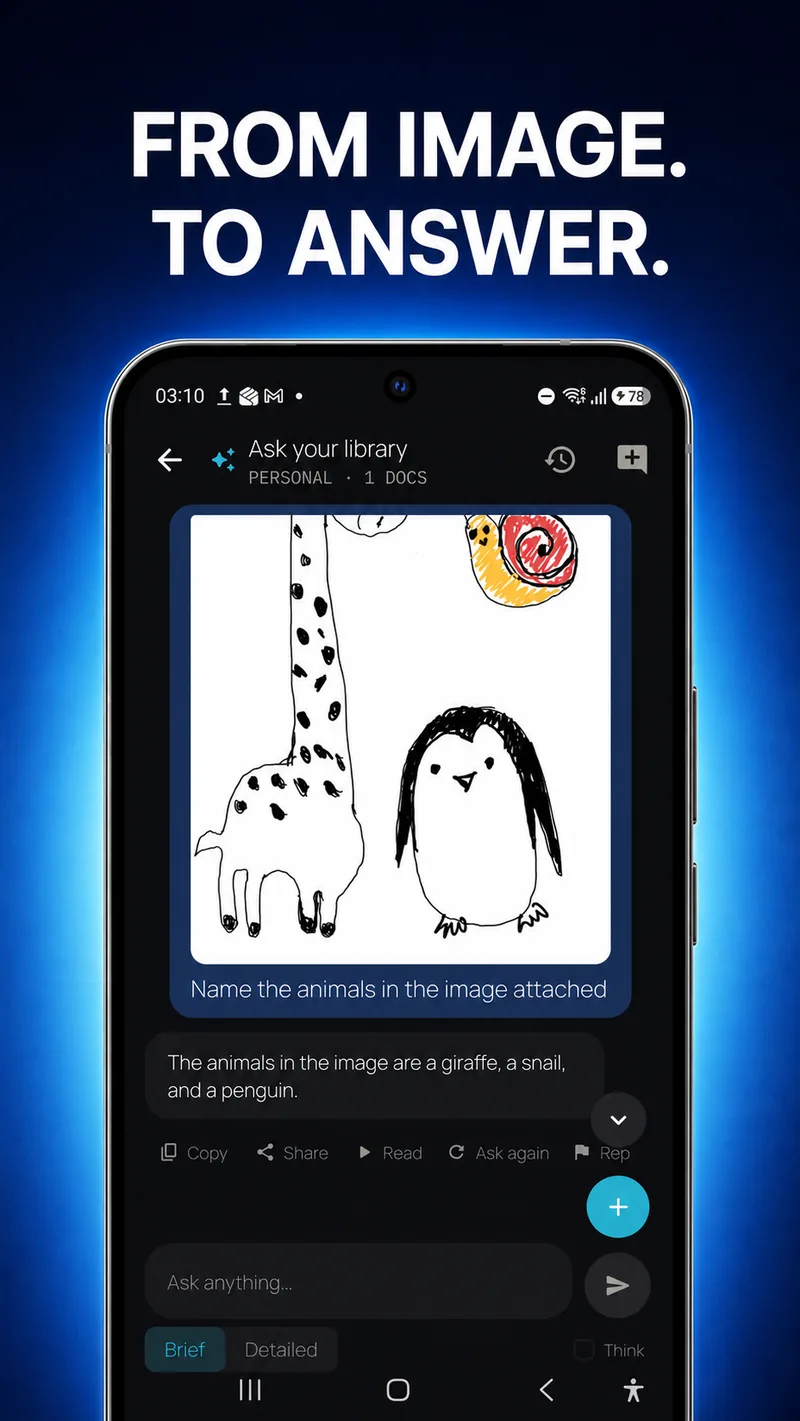
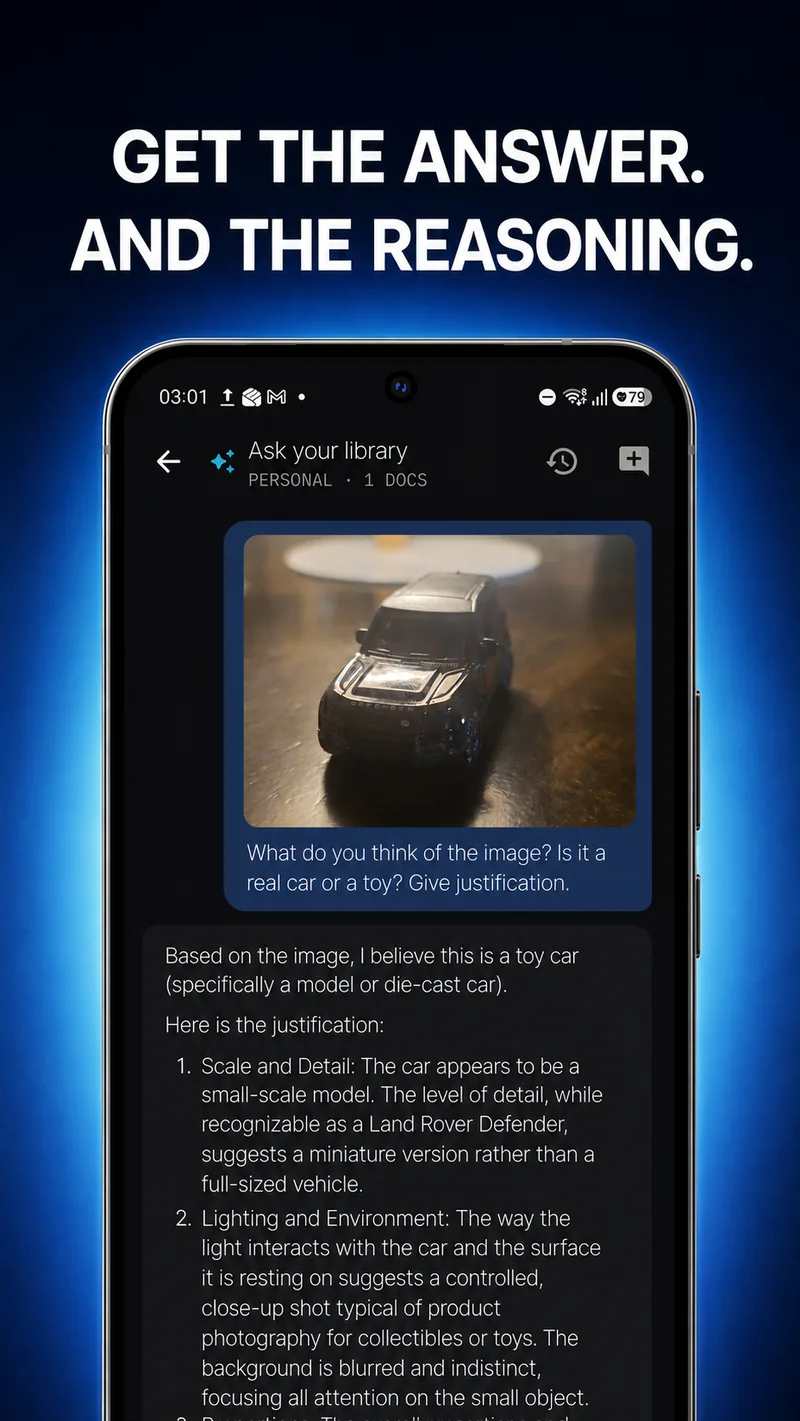
What’s new · v1.0.0
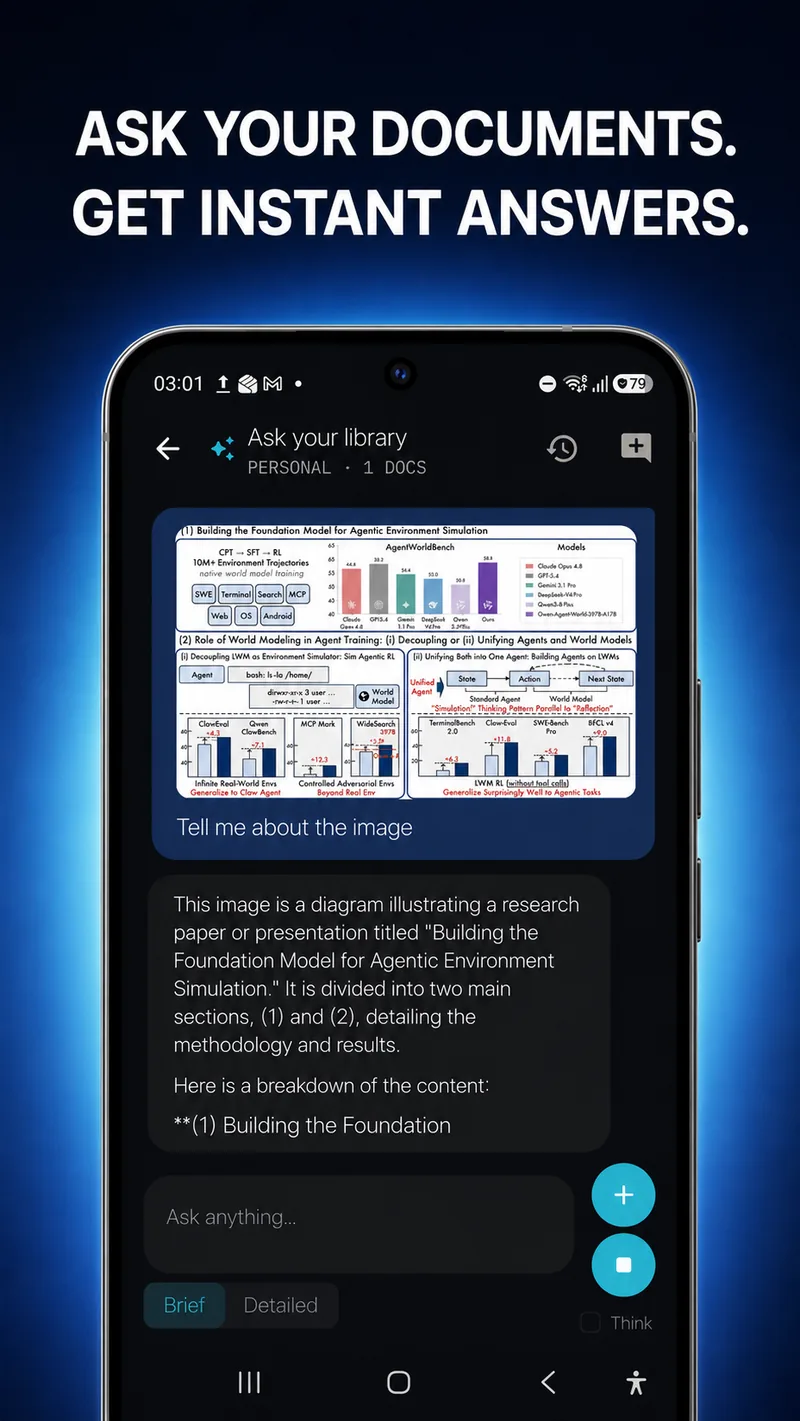
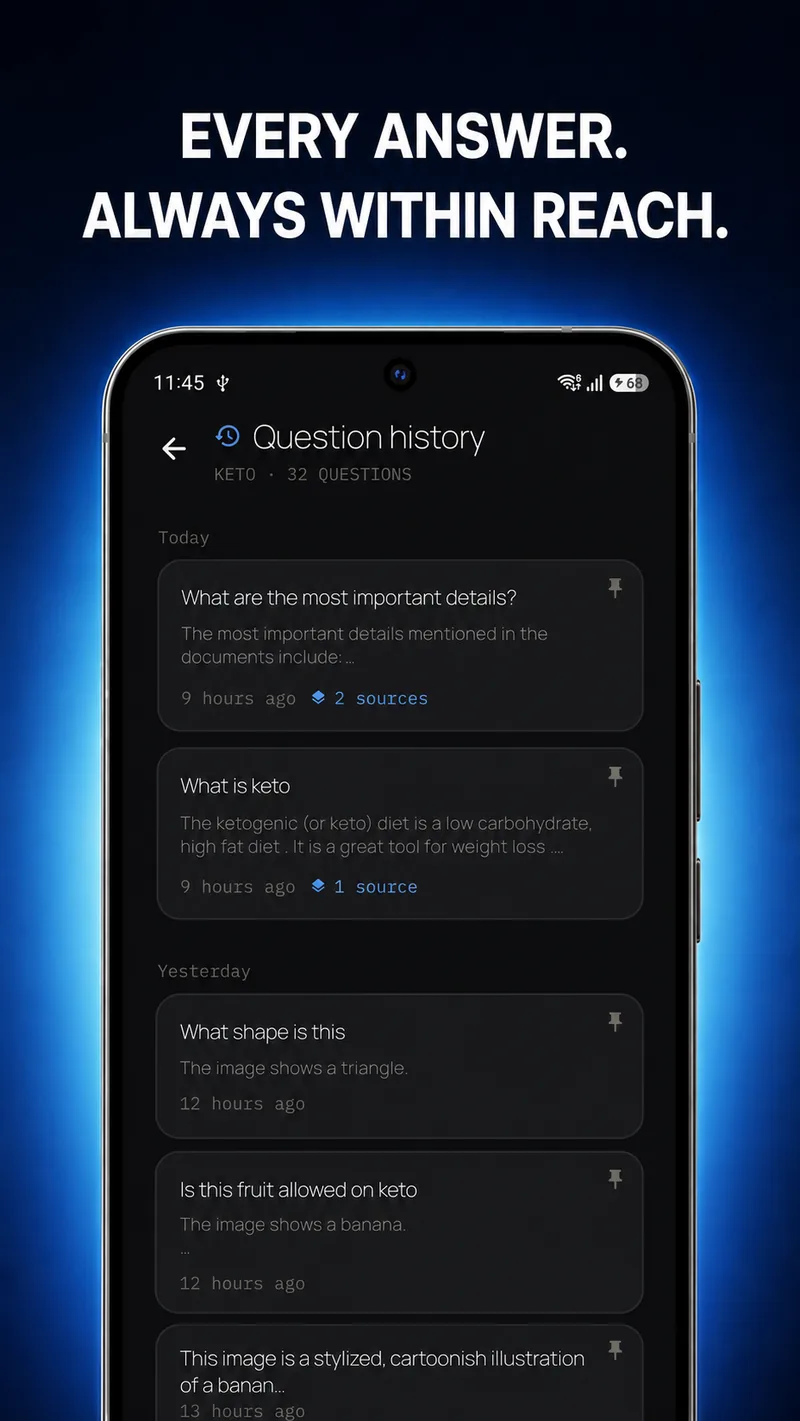
Now live on Google Play: on-device document Q&A with cited answers, multimodal questions about images and drawings, folders, and day-grouped question history.